Grade 3 · 40-min
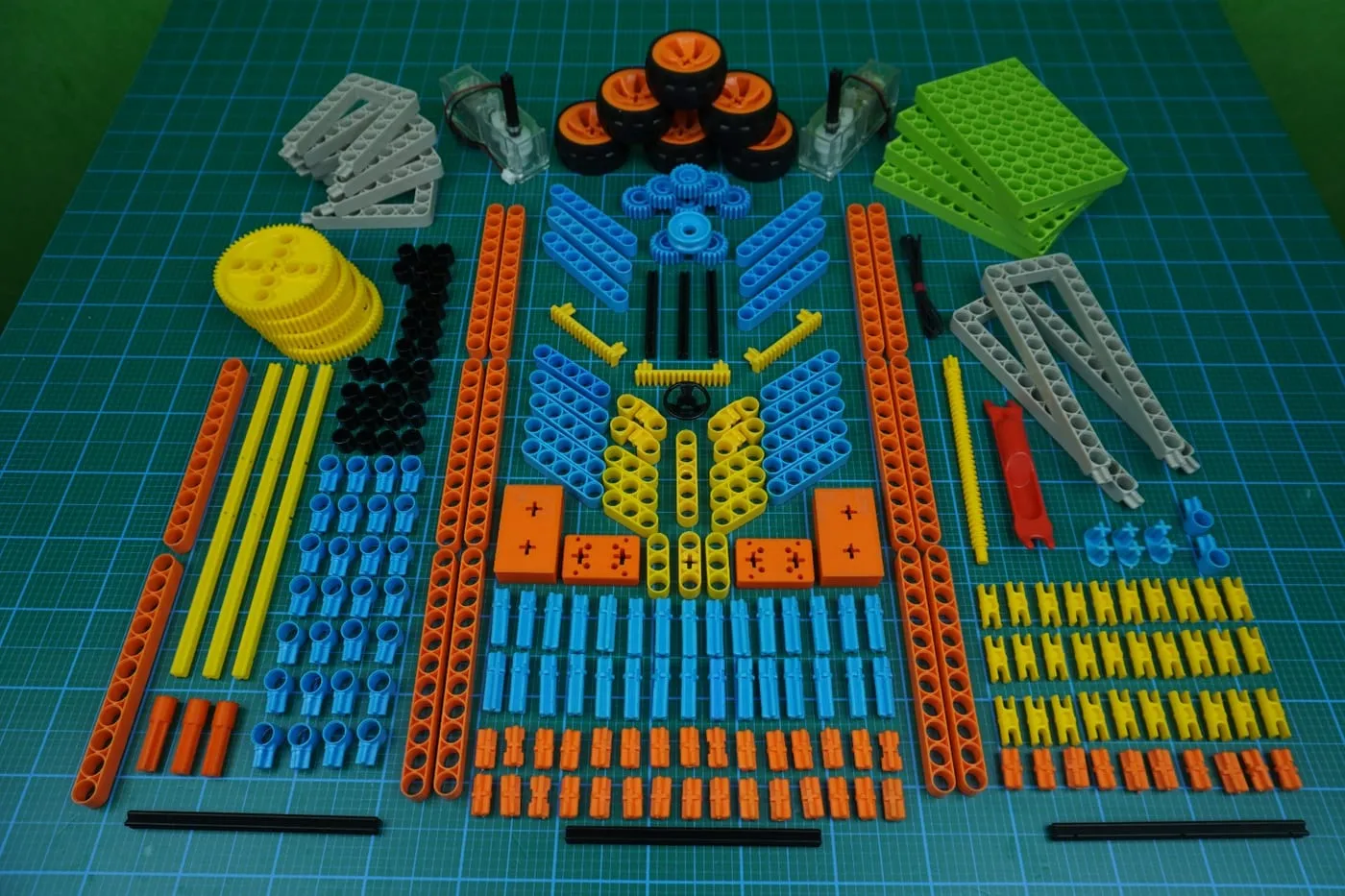
Junior Construction Kit
No electronicsGears, levers and pulleys. Students build spatial reasoning and mechanical intuition before any code: pure hands-on assembly.
View kit →Starter Lab · Grades 3–5
The Starter Lab is the entry point to Grobots for Grades 3 to 5. It brings the Junior Construction Kit and Grobots Primo, block coding, a graded curriculum, teacher training and a Virtual Master Trainer video behind every lesson. It is the same system as our bigger labs, so when you grow, nothing is wasted.
What it is
The hardest part of school robotics is starting. The Starter Lab makes it low-risk, and because it is the first stage of the same pathway, you never have to start over.
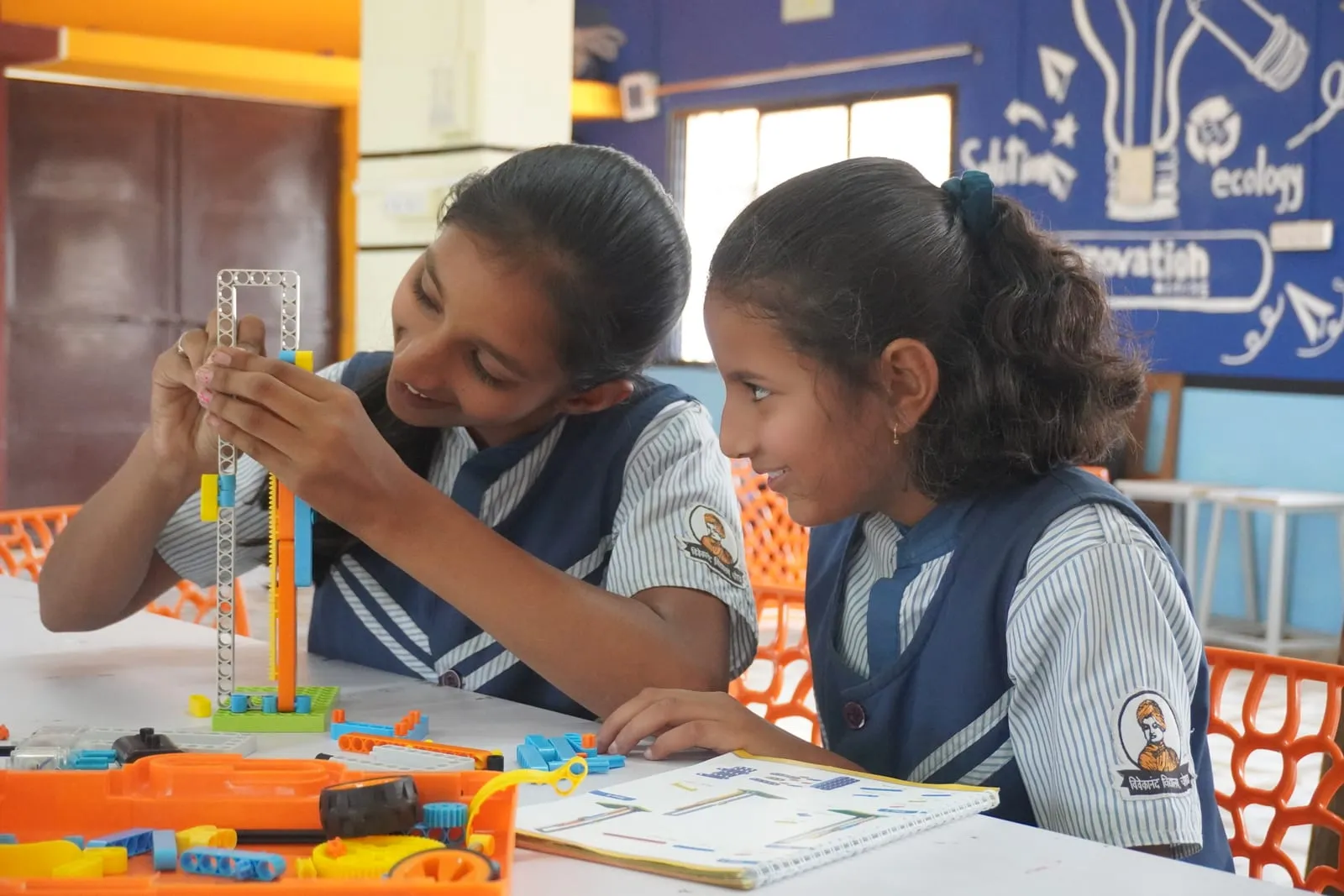
Built for Grades 3 to 5, the Starter Lab begins with mechanical building, with no coding, then moves into confident block coding with Grobots Primo: no exposed electronics, no wiring anxiety, just plug-and-play learning.
Because it is the same Grobots system, schools often begin here and grow into the full AI and Robotics Lab as the programme matures. It runs with your own teachers as a School-Run Lab, or with a Grobots trainer as a Managed Lab.
What's in the lab
Mechanical thinking first, then coding, introduced exactly when young students are ready for it.
Grade 3 · 40-min
Gears, levers and pulleys. Students build spatial reasoning and mechanical intuition before any code: pure hands-on assembly.
View kit →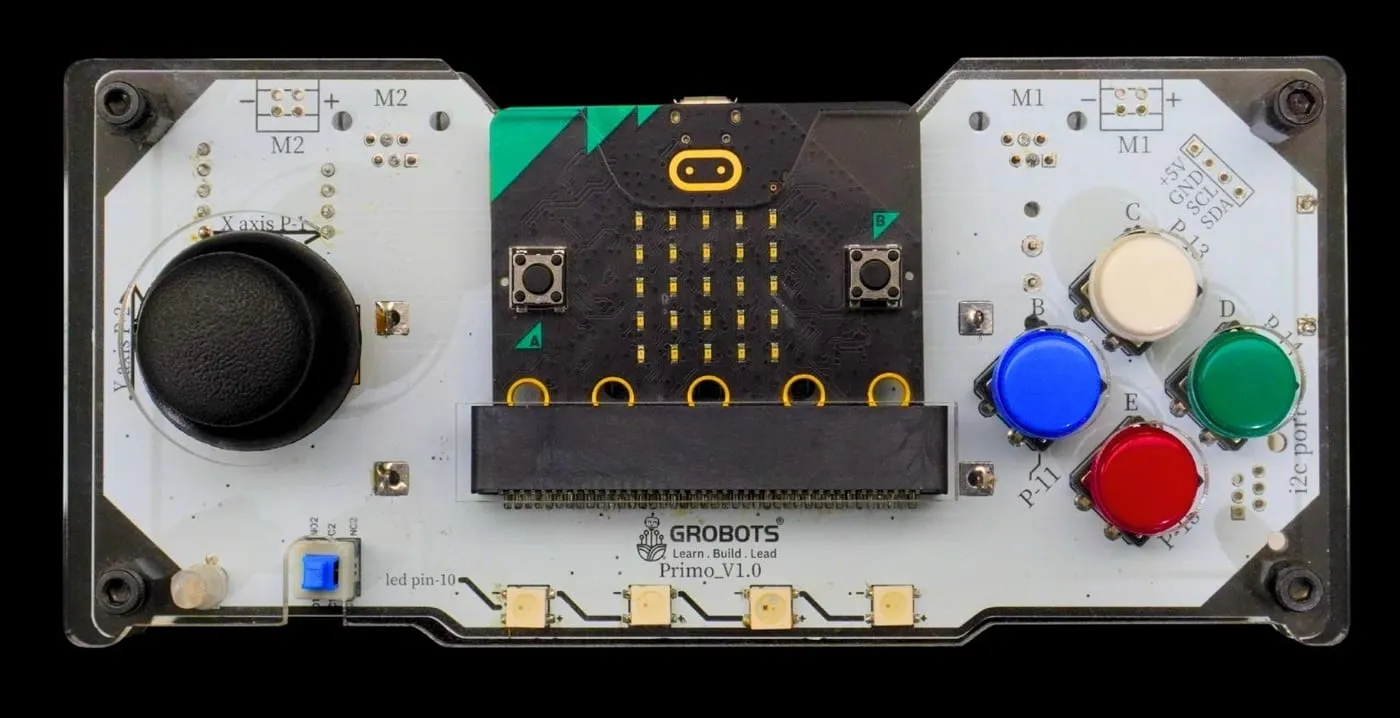
Grades 3–5 · 40-min
Build models, then code them to move. RJ11 plug-and-play with no exposed electronics. Block coding in Groblox, then MStudio in Grade 5, builds real confidence.
View kit →What's included
Hardware
Junior Construction and Primo, set up for group learning.
Curriculum
20–24 sessions per grade, every year, with clear learning outcomes and a Challenge session every fifth session.
Teaching
Onsite teacher training, a Virtual Master Trainer video and a printed workbook for every lesson, and Year 1 support.
Room to grow
The Starter Lab is stage one of the full Grobots pathway. When your programme is ready, add Ultima Lite or Ultima for Grades 5–8. The kits, curriculum and platform all continue: nothing is replaced, and everything builds on what you already have.
What goes into your proposal
Start with the core and add only what you need. Furniture and IT are optional, and most schools begin with an existing room. Every proposal is itemised and priced for your school.
| Module | Status | What it covers |
|---|---|---|
| Grobots core programme | Core | Junior Construction and Primo kits, grade-wise curriculum, teacher training, VMT access, Year 1 support |
| Furniture, branding and IT | Optional | Skip them if you have an existing classroom or computer room |
| Additional kits or higher grades | Optional | More student groups, or Ultima Lite / Ultima to grow into the full AI and Robotics Lab |
Before you start
Yes. The Starter Lab is stage one of the same pathway as the AI and Robotics Lab. When you're ready, add Ultima Lite or Ultima for Grades 5–8, chosen by your period length. The kits, curriculum and platform all continue, so nothing you set up now is wasted and students never repeat what they have already learned.
Yes. The Virtual Master Trainer gives step-by-step video for every lesson in English, Hindi and Marathi, and each lesson comes with a printed workbook. We train your teachers onsite before Day 1 and support them through Year 1. No prior robotics background is needed, for teachers or students.
No. The Starter Lab runs in an existing classroom. The coding tools, Groblox and MStudio, run on the school's Windows PCs, Android tablets or Raspberry Pi, with no separate software licences to buy. Furniture, branding and IT are optional modules that you can leave out of your proposal entirely.
The Starter Lab covers Grades 3–5 with two kits and block coding: it is the entry setup. The AI and Robotics Lab extends to Grade 8 with Ultima Lite and Ultima, MicroPython, Python and AI. The Starter Lab is where many schools begin; the AI and Robotics Lab is where they grow, on the same kits and curriculum.
Grobots Toto is a screen-less floor robot for pre-primary to Grade 2. Children code it with its arrow buttons on printed floor mats, across 60 graded activities in five levels. At the top level they code it from a tablet with Groblox Junior, which leads straight into the Starter Lab in Grade 3.
More on Grobots Toto and the full kit pathway.
Tell us your grades and space. You'll get a Starter Lab proposal for your school. No obligation.