
Age-appropriate kits
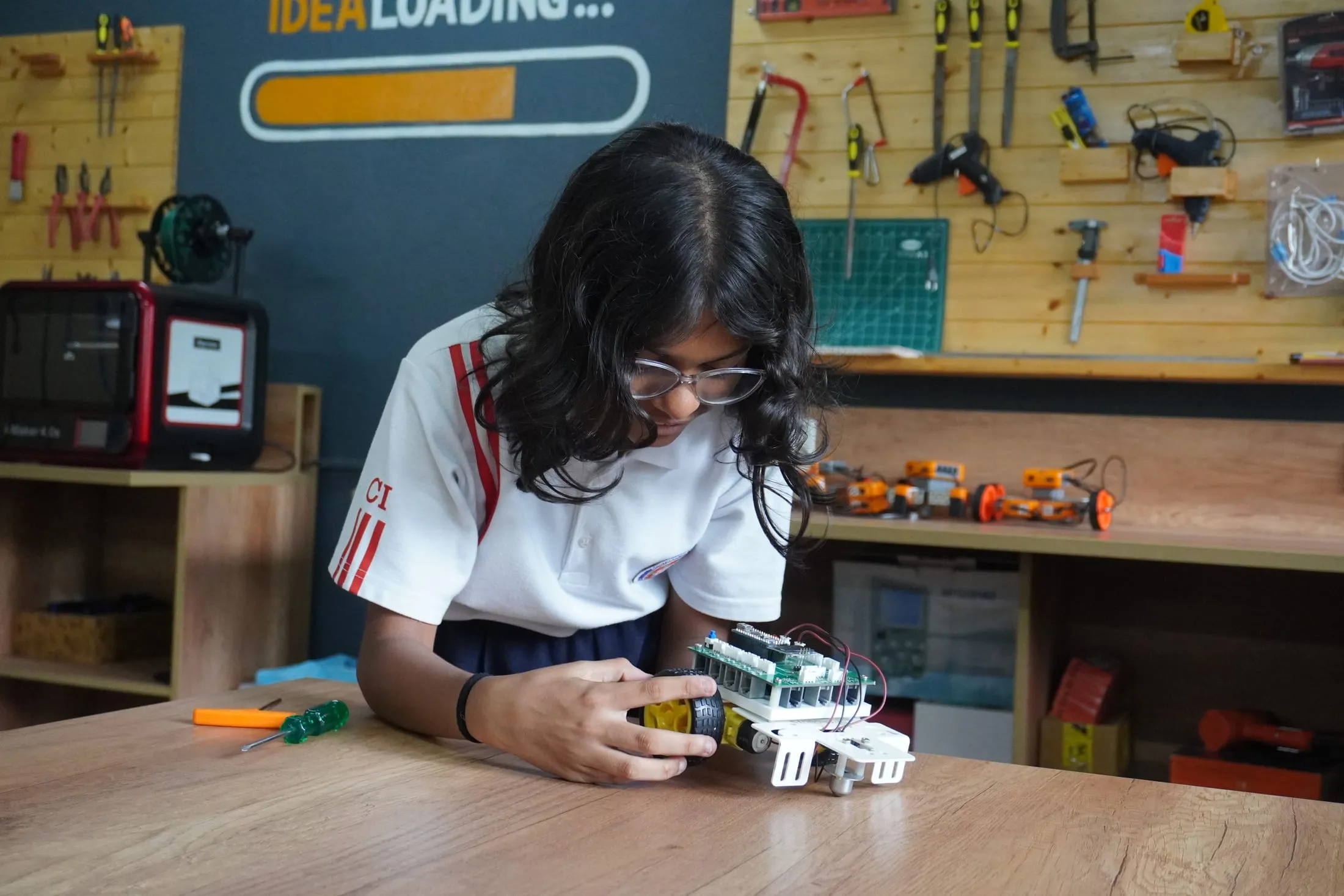
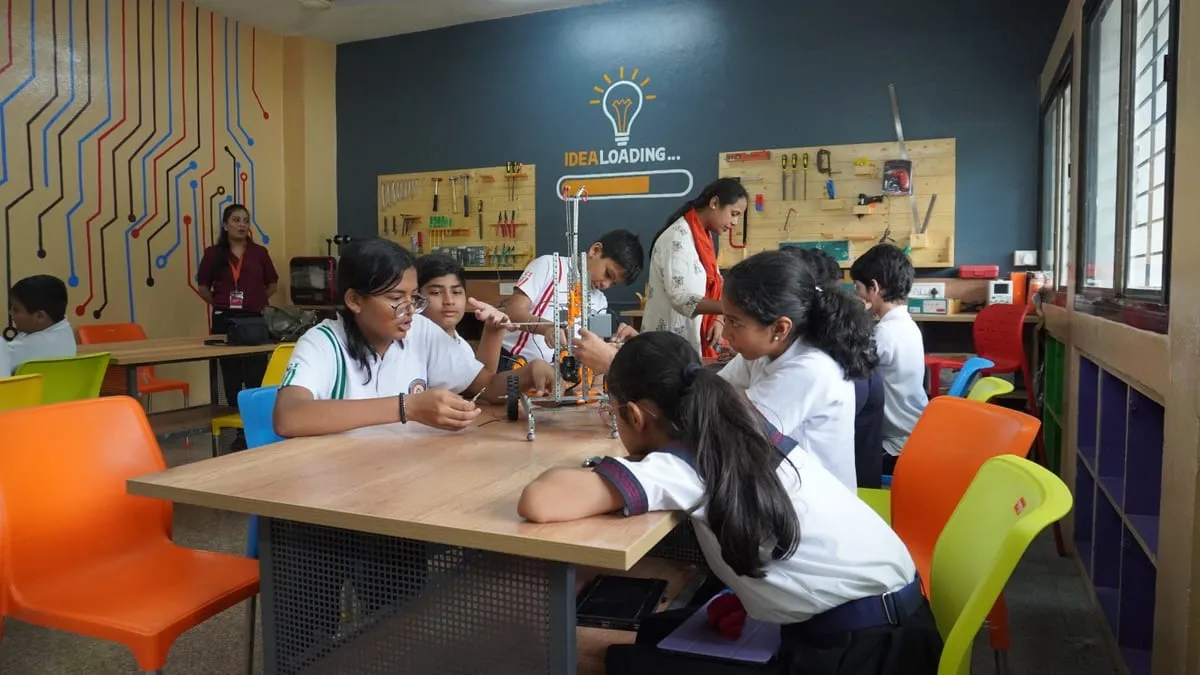
Graded kits from pre-primary to senior school, starting with Toto, a screen-less robot. Plastic in the junior grades, metal in the senior, with plug-in connectors that can't be wired wrong.
Robotics and AI programme for schools · Across India
From first code to real AI: age-appropriate kits, a graded curriculum from pre-primary to Grade 9, guided-plus-challenge teaching, and competitions that give every student a stage. Run by your teachers, or fully managed by us.
designed it first. then built it.
The team behind Grobots
Some of the schools where our team has set up labs


Who we work with
A single school, a group of campuses, an education company or a state programme: the same system, delivered the way you need it.
Schools
Pick the lab, then pick who runs it: your teachers, or our trainer on your campus.
Get a lab proposal →School groups
The same kits, curriculum and reporting in every branch, rolled out in phases. Bhavans Group, Nagpur runs Grobots in 7 branches.
Plan a multi-campus rollout →Education companies
Kits, books and lesson videos in your name, supplied at volume, with training for your trainers.
Explore a partnership →Government and CSR
District and state rollouts, content in English, Hindi and Marathi, and outcome reporting a funder can use.
Request a programme proposal →The Grobots system
One team designs it, makes it, delivers it and supports it, so the kits, the lessons, the teaching and the results all fit together.
Graded kits from pre-primary to senior school, starting with Toto, a screen-less robot. Plastic in the junior grades, metal in the senior, with plug-in connectors that can't be wired wrong.
20–24 sessions per grade, every year from Grade 3 to Grade 9, mapped to CBSE chapters, with Toto's graded missions before that. All on one coding ladder from first code to real AI.
Four guided lessons, step by step, then a challenge session that doubles as the assessment. A Virtual Master Trainer video and a printed workbook go with every lesson.
Students compete online during the year and in person at events. Schools get a visible result, and parents a reason to care.
The Virtual Master Trainer
From mission brief to working robot, so the lab keeps running when a teacher changes.
Above: “Square Path Bot”, an Ultima Lite lesson.
The coding pathway
Buttons, then blocks, then text. Each step carries the same ideas one level further, so students never hit a wall and start over.
Step 1 · Pre-primary – Grade 2
Children code Toto with the buttons on the robot. They plan a path, press GO, and see if it works. No screen.
Step 2 · From the early years
Picture blocks on a tablet, then block coding on real kits: sequences, loops, sensors and decisions.
Step 3 · Senior grades
The same ideas, now typed. MStudio turns blocks into MicroPython, then students write Python for real hardware.
Guided + Challenge teaching
Every fifth session is a Challenge. Students get a problem instead of instructions, and solve it with what the last four lessons taught them. It doubles as the assessment, so the teacher sees who has really understood.
A year of sessions
Guided lesson Challenge + assessment
20–24 sessions per grade each year, with a Challenge after every four guided lessons.
Understand the real-world problem.
Break it into input, process and output.
Assemble it from the kit, step by step.
Reason through the code, block by block.
Find what's wrong and fix it.
For anyone who finishes early: extend it at three levels of difficulty.
Reflect, and test the idea.
Two ways to run it
Same kits, same curriculum, same results. The only question is who stands in front of the class.
We run it
Your teachers run it
Why robotics, coding and AI
Bharat 2047 needs people who can think a problem all the way through, and then make the thing that solves it. We don't train coders. We grow systems thinkers and coding architects.
Why robotics
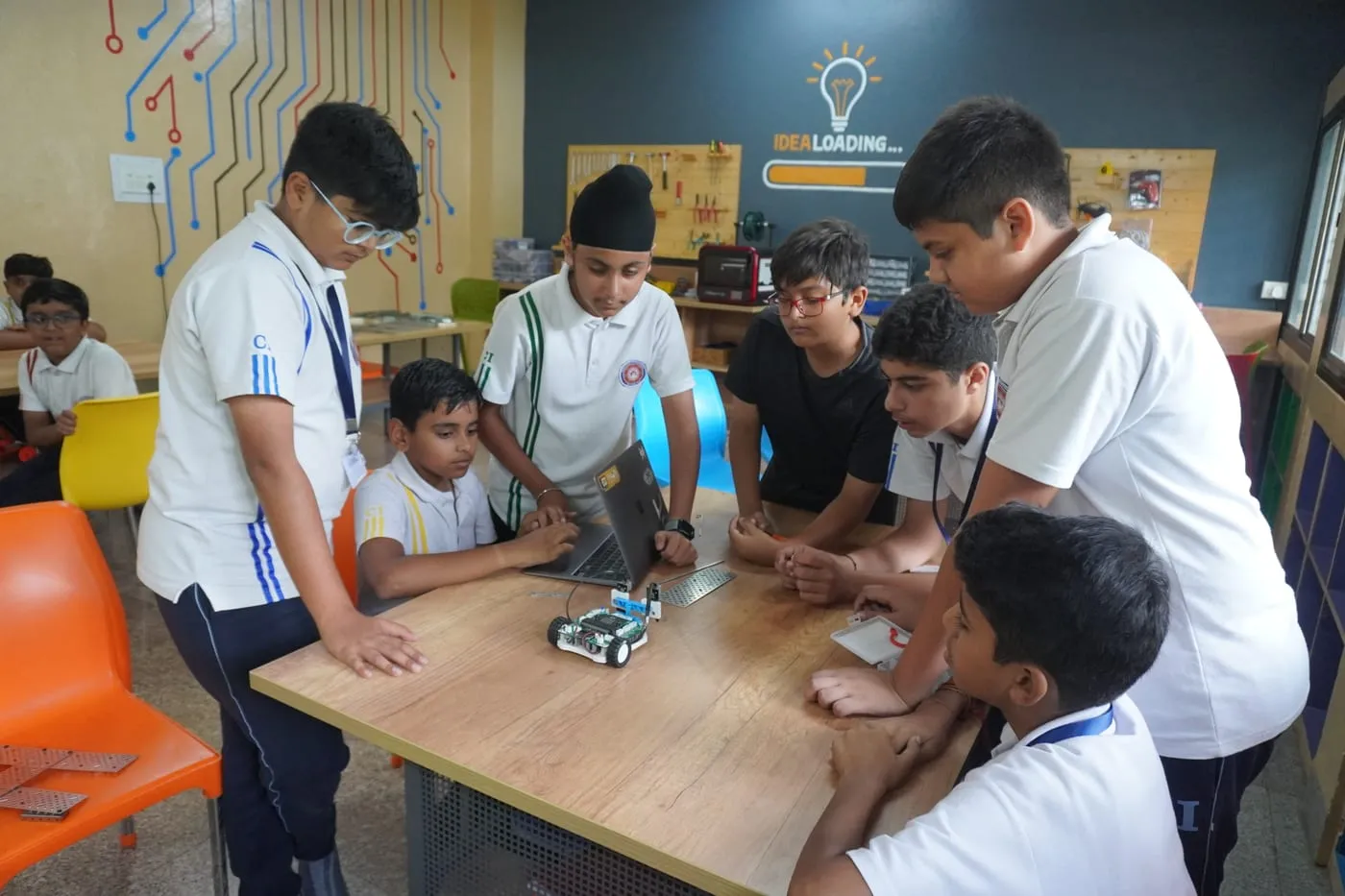
A robot is just the excuse. While building it, students practise the competencies every future job needs, and debugging teaches them to stay with a hard problem until it works.
Why coding, differently
AI already writes code. What it can't do is decide what should be built, break a messy problem into parts, and judge whether the result is right.
Why AI, now
By the time today's Grade 3 student finishes school, AI will be part of every subject and every job. CBSE brings AI and computational thinking into the curriculum from Grade 3 in 2026–27.
Bharat 2047
They leave school in 2036. By 2047 they'll have spent 11 years building their careers, and a developed Bharat.
Why robotics labs fail
Most labs manage one or the other. A lab is a room; a programme is a system. Labs fail in five predictable ways, and a Grobots lab is built to avoid each one.
Trap 1 · The complexity trap
Hand young learners a tangle of open-source electronics and you get instant intimidation.
Instead, prioritise
Build it, make it work, “I made this”, then “how does it work?” We didn't remove the electronics. We changed when they arrive: Grade 3 builds, Grade 5 codes, Grade 7 creates, Grade 8 trains AI, Grade 9 tinkers.
Trap 2 · The kit count trap
A long kit list looks generous, but it's a poor measure of learning.
Instead, prioritise
One Grobots kit carries up to four years of lessons, 20–24 sessions a year, and endless projects beyond them. Don't count the kits. Count the learning experiences.
Trap 3 · The museum trap
Glass cases and display robots impress visitors. But if that's all the lab has, how much learning actually happens in that room?
Instead, prioritise
Grobots labs do come with showcase kits that make visitors stop and look. They sit next to graded kits that every section uses, every week.
Trap 4 · The inauguration trap
When the whole budget goes on the opening, there's nothing left for an ordinary Wednesday.
Instead, prioritise
The opening can still be a show. Then comes Day 200: Grade 6, 30 children, a 40-minute period. Every Grobots session is planned for that day, with a video lesson for each one.
Trap 5 · The ownership trap
If nobody owns what happens every week, use collapses.
Instead, prioritise
Up to two sections per grade, your science or CS teachers can run it as a side duty, with our training and videos. More than two, it needs a dedicated, trained lab person, which our Managed Lab provides.
Day 1
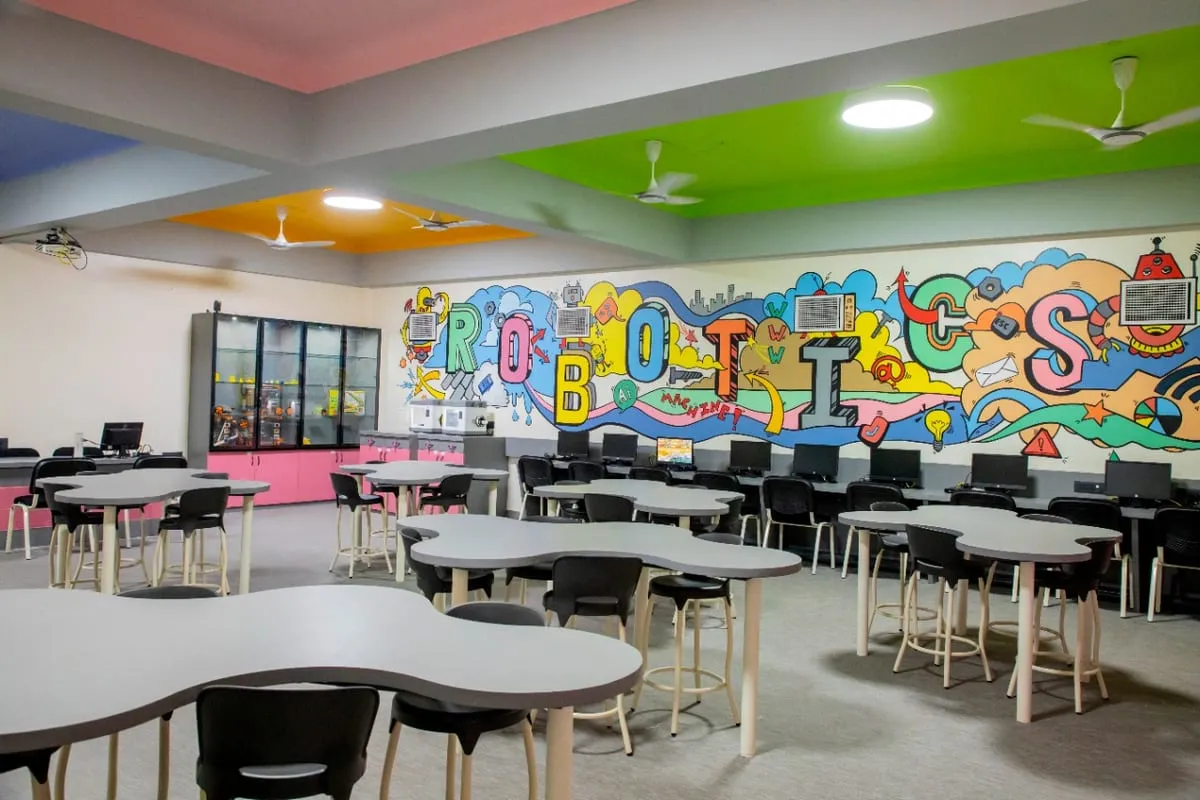
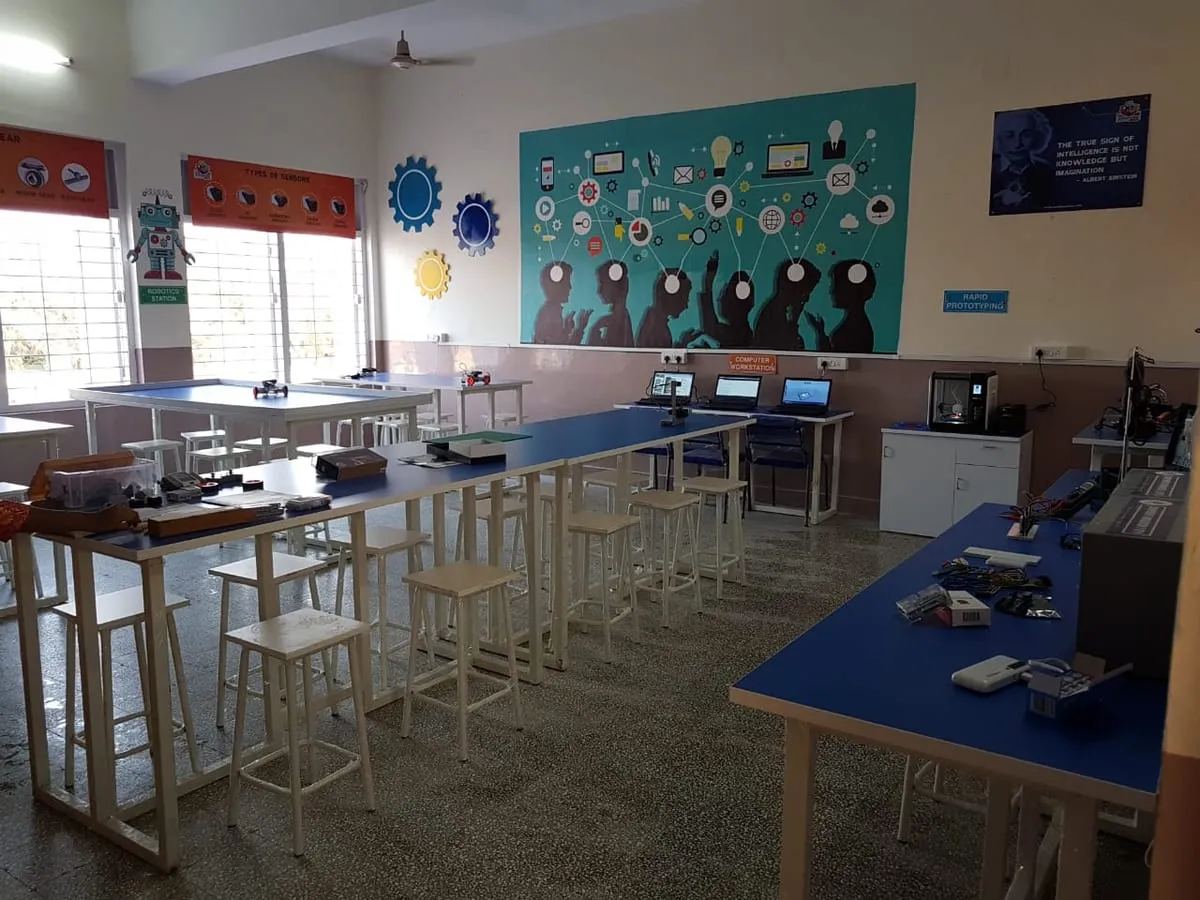
Showcase kits such as a bionic arm, a walking spider bot, a smart home model and a 3D printer, plus arenas and posters on the walls. The lab looks the part when parents and visitors walk in.
Every day after
Graded kits for every section, a lesson plan and video for every period, and support that keeps it running. The lab still works in its third year, and its fifth.
What students build
Every project solves something students recognise, from a merry-go-round to an AI that checks for helmets.
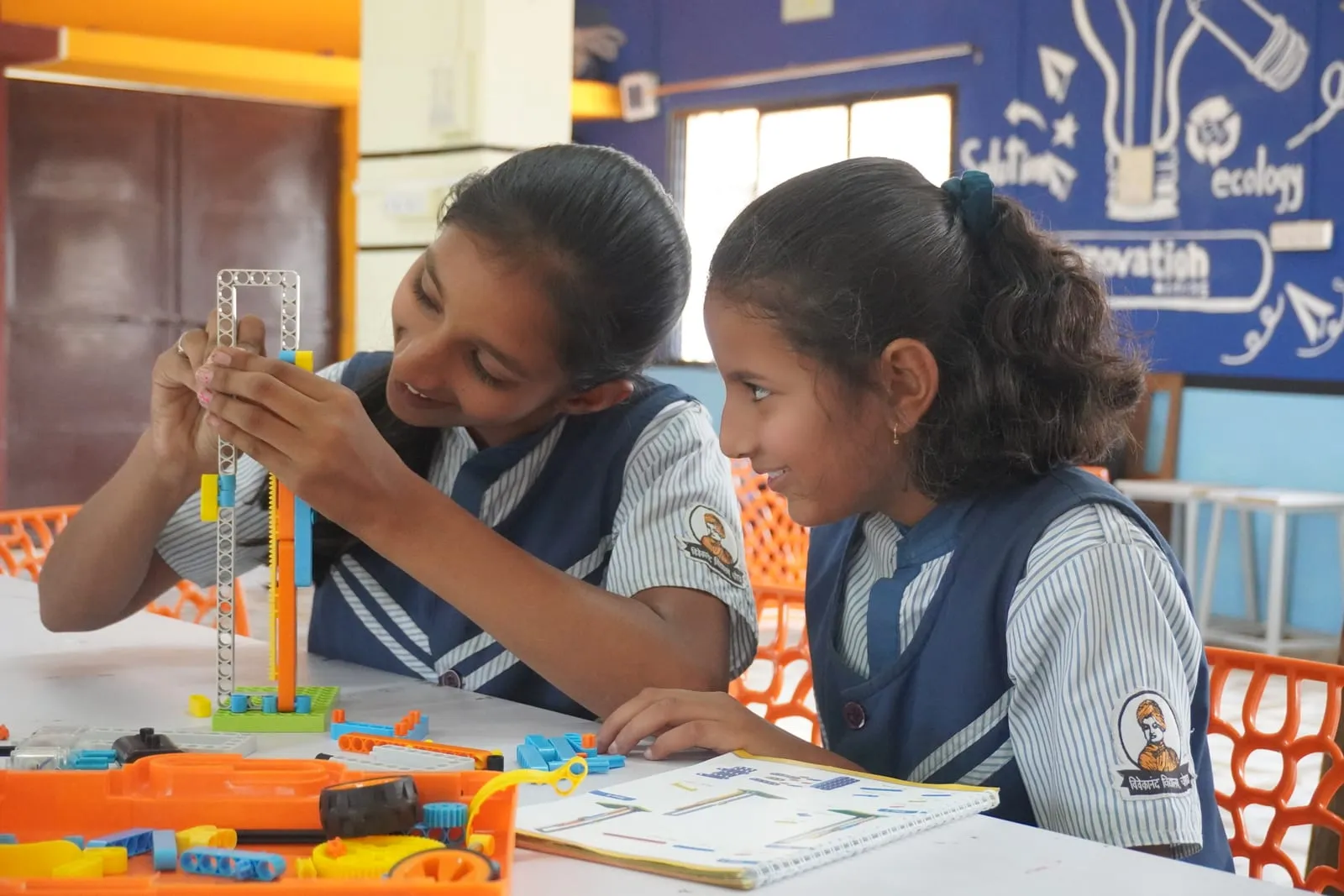
Think: gears and motion
Build: a working merry-go-round
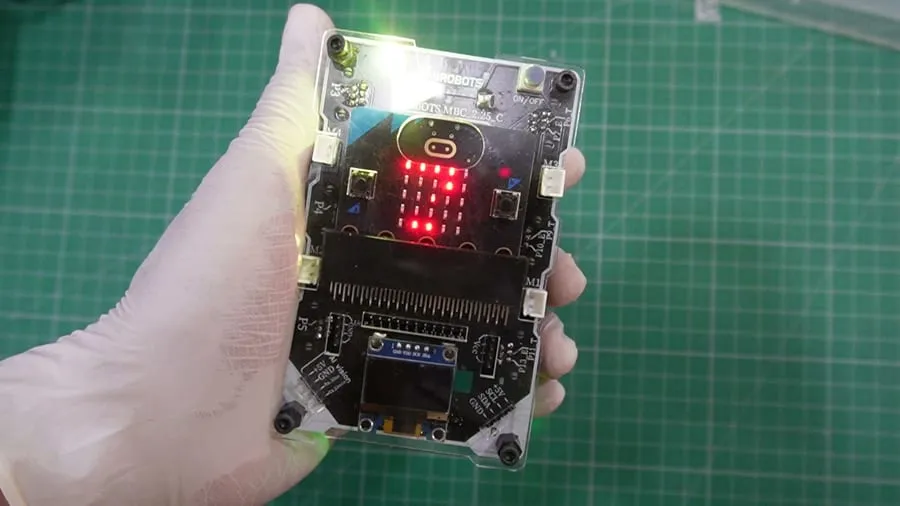
Think: sequences and events
Build: a dance routine on screen and board
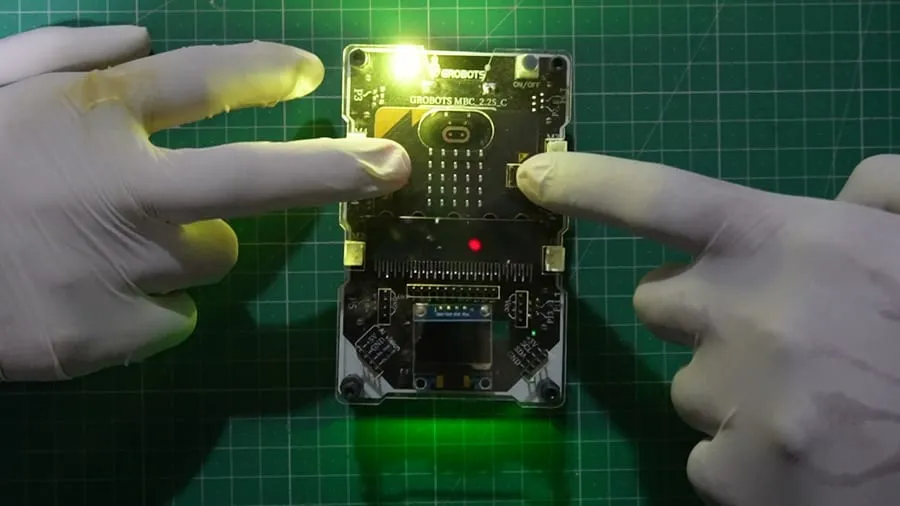
Think: randomness and fairness
Build: a shake-to-roll dice
Think: measure, decide, act
Build: a reflex game for the class
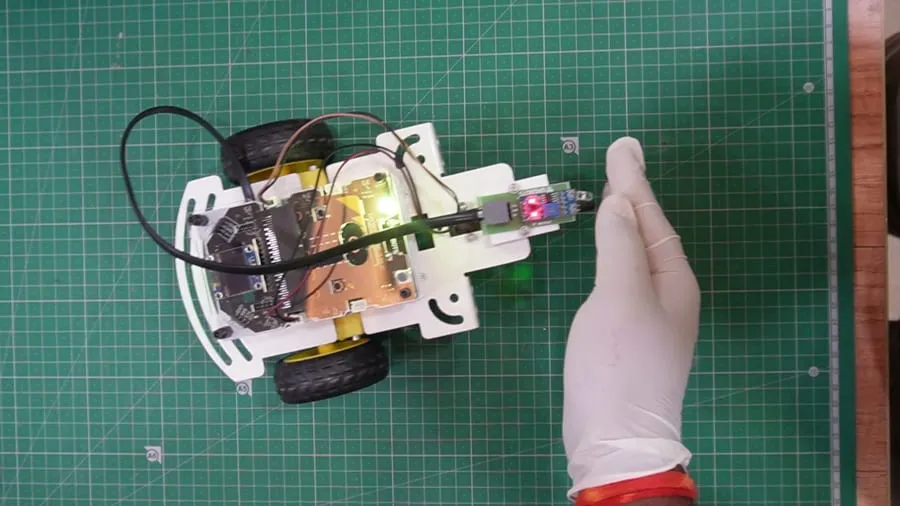
Think: sensors and feedback loops
Build: a robot that follows your hand
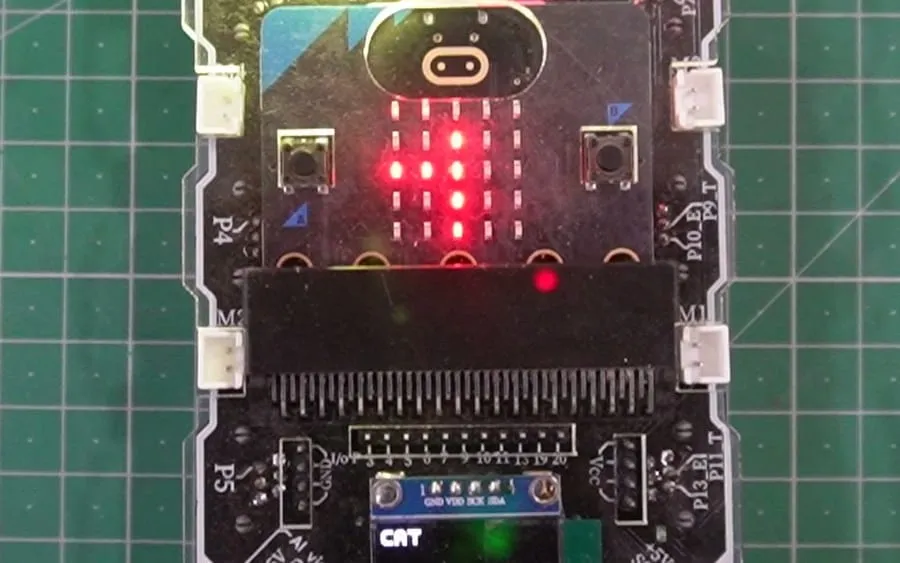
Think: training data and bias
Build: an AI that names animals it sees
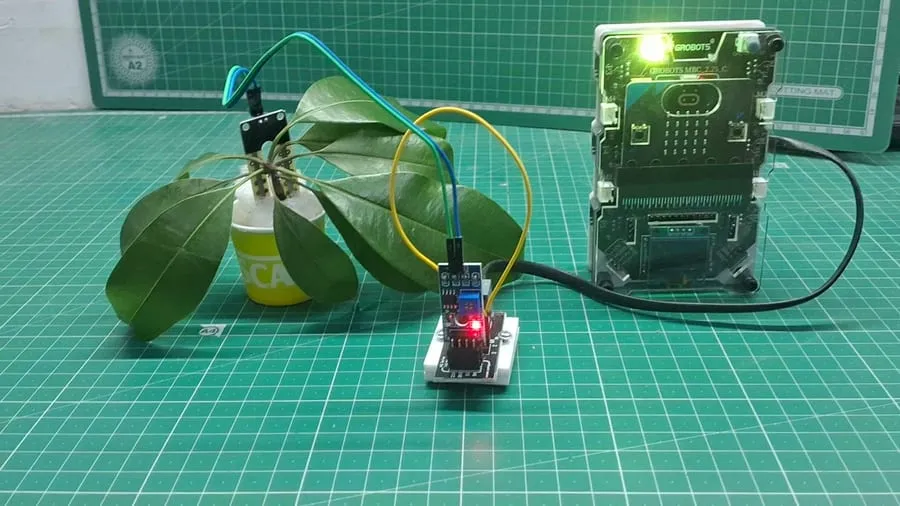
Think: designing for real users
Build: a sensor that says when a plant needs water
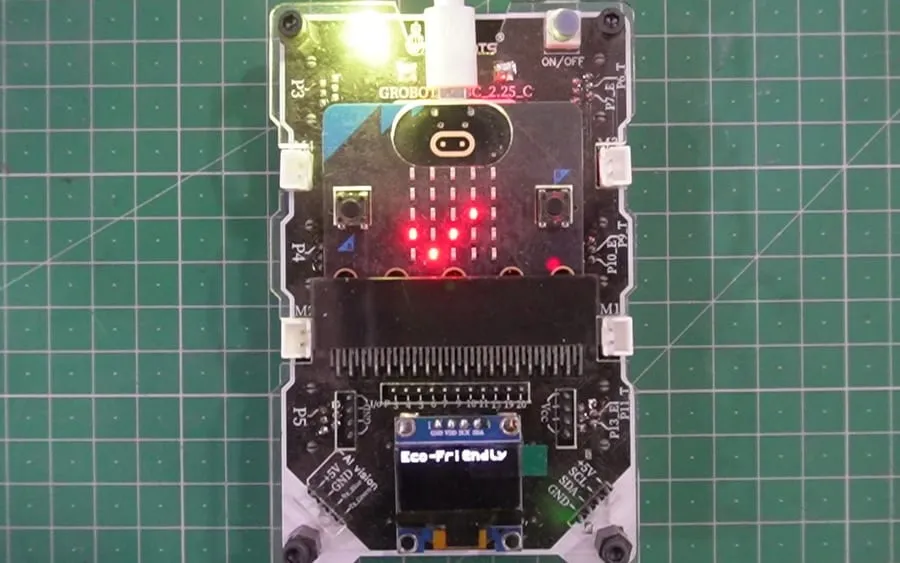
Think: classification
Build: an AI that sorts waste
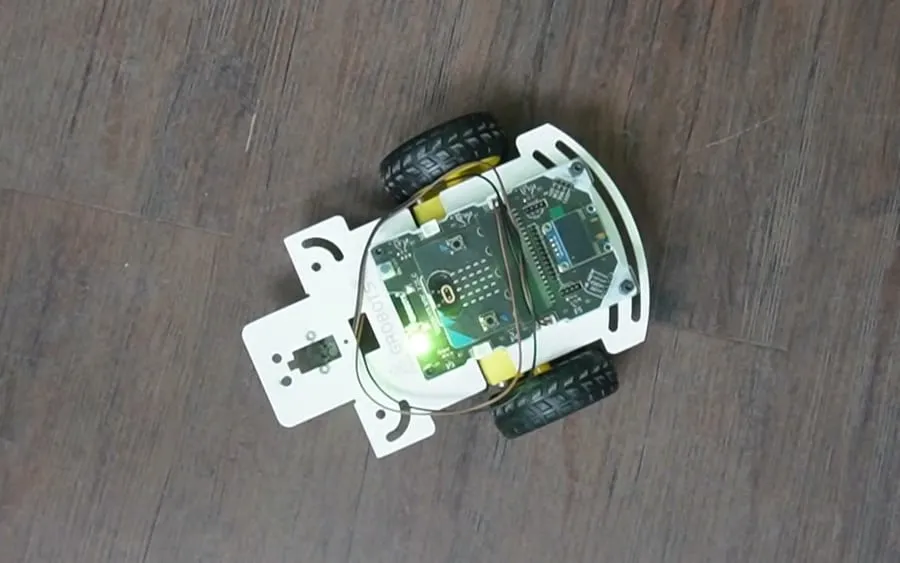
Think: human–machine interfaces
Build: a car you drive with your hand
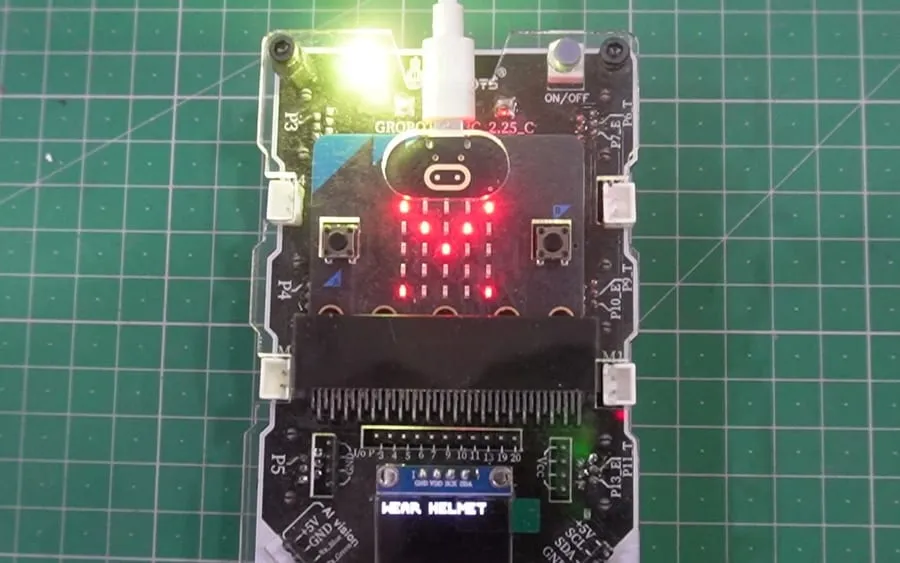
Think: safety systems
Build: a camera that checks for helmets
AI, trained by students
Three kinds of model, the same three steps: collect examples, train, then let the model drive the robot. Students do this in Groblox and MStudio, offline.
1 · Collect examples
2 · Train the model
Trained on the device. Nothing is uploaded.
3 · Robot acts on it
The robot pushes it into the plastic bin.
Show the camera a few examples of each thing. The model learns to tell them apart, like the AI Trash Sorter students build in Grade 7.
Try the vision trainer1 · Collect examples
2 · Train the model
Trained on the device. Nothing is uploaded.
3 · Robot acts on it
The robot drives forward.
Record a few seconds of each word, plus some background noise. The model learns the sound of each command.
Try the voice trainer1 · Collect examples
2 · Train the model
Trained on the device. Nothing is uploaded.
3 · Robot acts on it
The robot raises its arm to match.
Strike each pose in front of the camera. The model tracks the body's key points and learns which pose is which.
Try the pose trainerCompetitions and recognition
Competitions are part of the programme, not an extra. They give students a deadline worth working for, and give schools results they can show.
Virtual
Online challenge rounds during the year. Students build and code at school and submit their work, wherever in India they are.
Physical
The strongest teams compete in person, on the same arenas they practise on in their own lab.
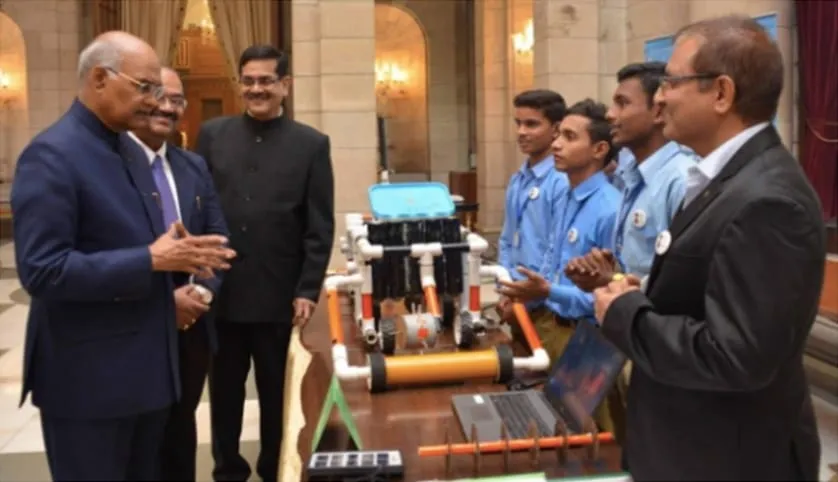
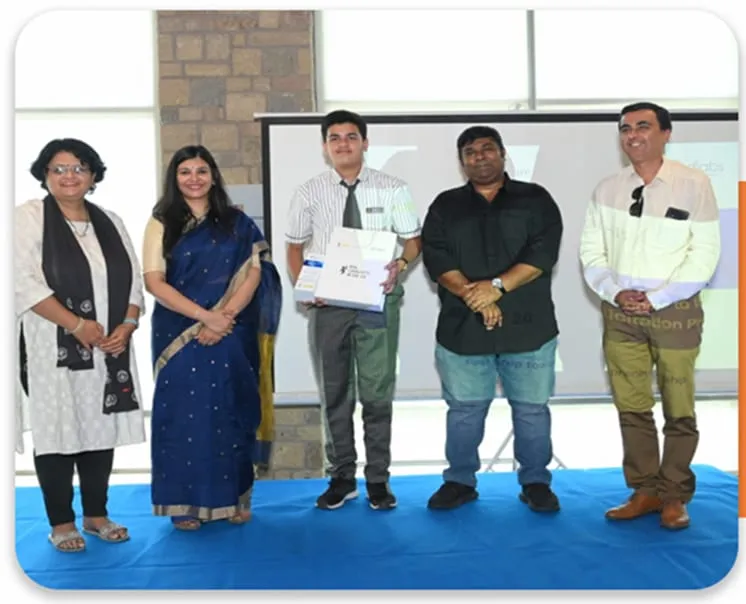
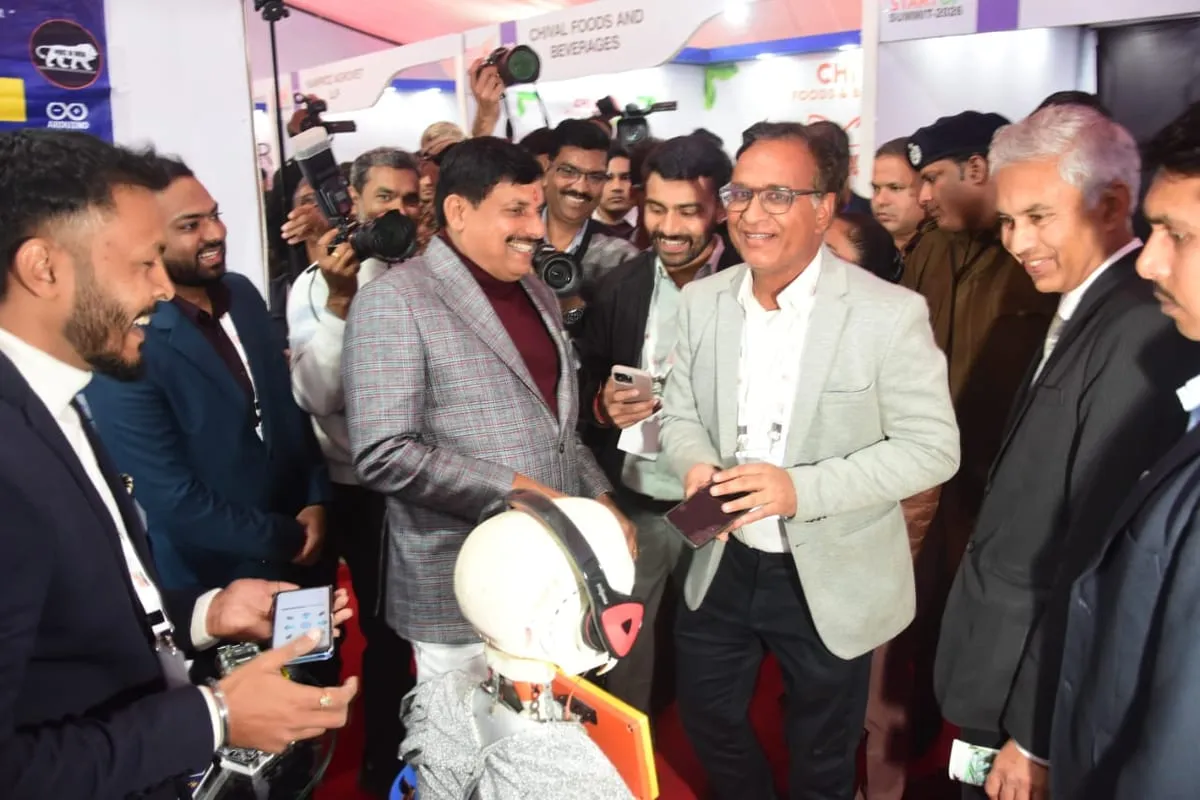
Today's Grade 3 students will be about 29. Let's make sure they're ready to build it.
Who's behind Grobots
City CBSE campuses and rural government schools. Small classes and crowded ones. Labs with fast internet and labs with none. Our team has worked in all of them, and Grobots is built for every one.
Grobots Future Technology Private Limited
Grobots is led by four engineers who have spent more than 12 years building robotics and tinkering programmes in Indian schools: in over 300 private schools and more than 1,500 government schools. What they learned shaped the design: controllers with plugs that only fit one way, AI that runs without internet, and a guided-plus-challenge teaching method any trained teacher can run. Sales and support across India.
Director · Engineer
Director · Engineer
Director · Engineer
Director · Engineer
Questions we're asked
Grobots is a complete robotics and AI programme for Indian schools, from pre-primary to Grade 9. It combines age-appropriate kits, a graded curriculum of 20–24 sessions per grade each year, guided-plus-challenge teaching, and virtual and physical competitions. Schools run it with their own trained teachers or as a Managed Lab. Grobots is run by Grobots Future Technology Private Limited and serves schools across India.
Yes. Teachers get onsite training, a printed workbook and a Virtual Master Trainer video for every lesson, which takes the class from the mission brief to a working robot. Every lesson follows the same template, so a science or computer teacher can run it. Schools with many sections can choose a Managed Lab instead, with a Grobots trainer on campus.
Yes. In a Managed Lab, a trained Grobots trainer teaches on your campus and reports to you daily, and maintenance is included. In a School-Run Lab, your own teachers run it, with our training, lesson videos and support.
Yes. CBSE Circular Skill-75/2024 asks affiliated schools to set up a Composite Skill Lab for Classes VI–X. Schools seeking fresh affiliation need one now, and existing schools have until August 2027. Grobots sets it up in three options, with every item mapped to the CBSE list.
Pre-primary to Grade 9. Grobots Toto covers pre-primary to Grade 2 with screen-less coding. From Grade 3 to Grade 9, kits are matched to each stage, with 20–24 sessions per grade each year and a video lesson for every session.
Directly. Grobots sells to and supports schools itself, across India. It also works with school groups, supplies its programme under their own brand to education companies, and partners with channel partners, government programmes and CSR funders.
No. AI activities run offline, and video lessons can be served from a school server where the internet is weak.
Windows PCs, Android tablets and Raspberry Pi. AI models train and run on the device itself, so students can do AI activities with no internet.