
01
How motion transfers
Gears, pulleys and belts let students see, and feel, how force and motion move through a machine, and how to trade speed for power.
Grade 3 · The pathway begins
Mechanical thinking, before a single line of code.
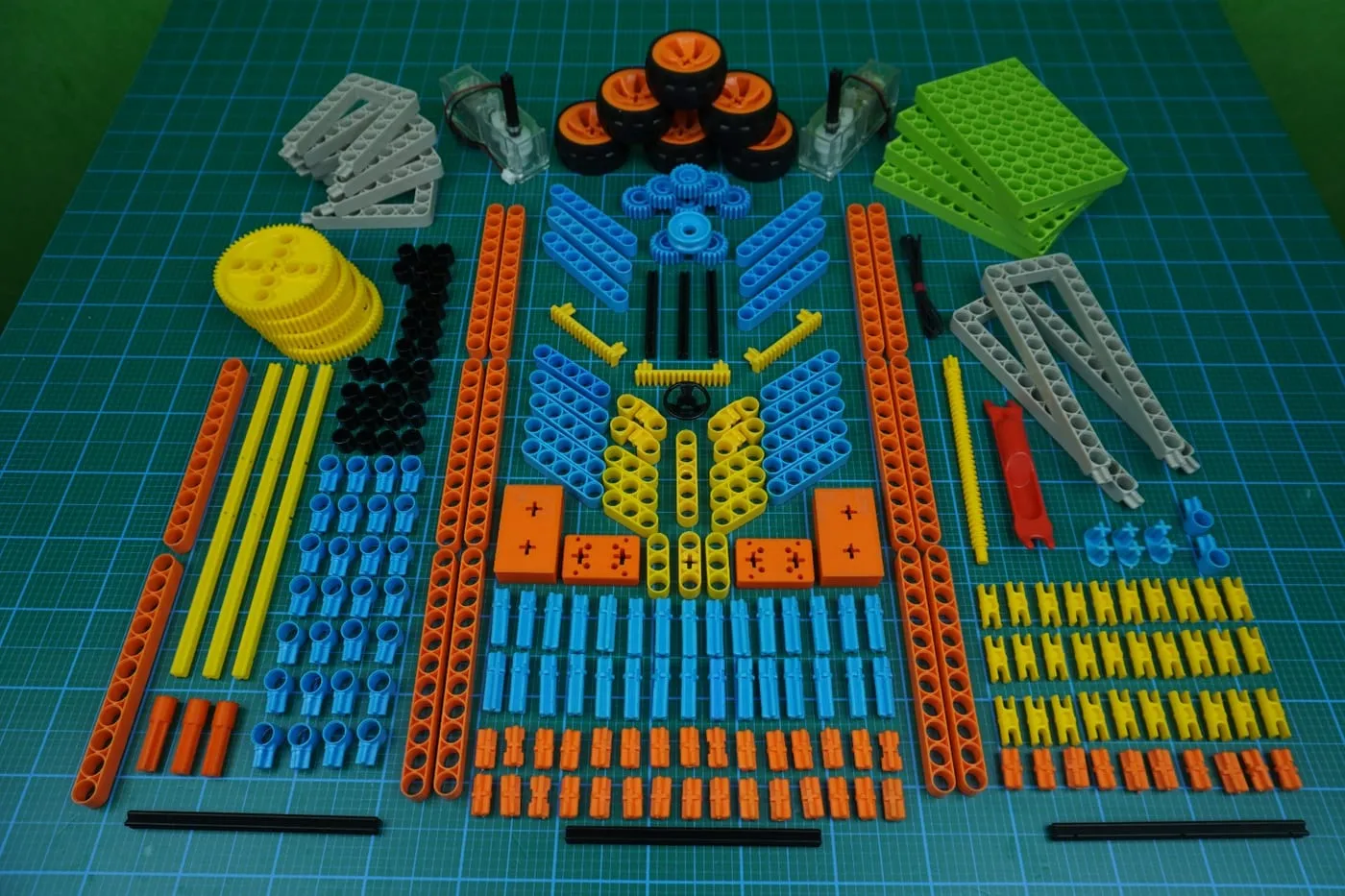
The Junior Construction Kit is the Grade 3 starting point of the Grobots robotics pathway: a plastic construction set of gears, levers, pulleys and a power screw that teaches how machines move, with no controller and no code.
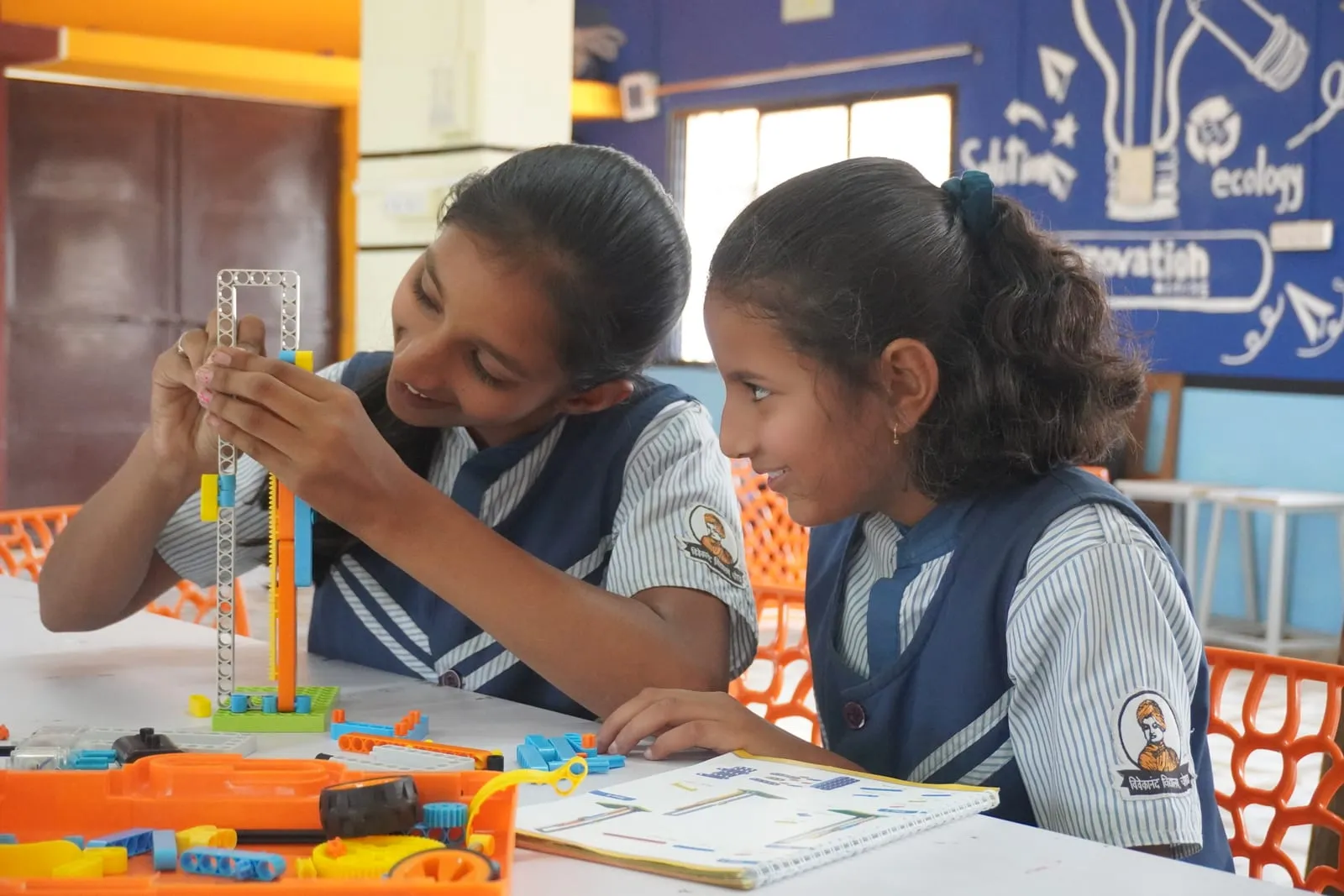
Before a child can program a robot, they need to understand how things move. The kit has gears, levers, pulleys, a power screw, and a single motor with a battery box, built to develop spatial reasoning and engineering intuition through 20+ controller-free projects. Used on its own it fills a 40-minute period; paired with Primo, the same builds extend into 80-minute sessions.
This kit comes inside a lab, not sold on its own. Junior Construction comes inside a Grobots lab with Primo and the rest of the pathway. Your own teachers run it (School-Run Lab), or a Grobots trainer runs it on campus (Managed Lab).
See the labs →What it builds
Skip mechanical understanding and students code blindly later. This kit makes the invisible logic of machines concrete and physical first.
01
Gears, pulleys and belts let students see, and feel, how force and motion move through a machine, and how to trade speed for power.
02
Assembling 3D structures from a plan strengthens the spatial and sequencing skills that underpin both engineering and computational thinking.
03
When a mechanism jams or slips, students learn to diagnose and adjust: the same iterative habit they'll apply to code two grades later.
Connectors and software
Connectors
There is no controller and no wiring at this stage, just a single motor with its battery box. Plug-in electronics arrive with Primo (Grades 3–5), which uses RJ11 connectors only: the same click-in plug as a landline phone.
Software
Junior Construction is controller-free. Coding starts with Primo, in Groblox, so students meet code already knowing how the mechanism underneath it works.
Where it fits
Toto covers pre-primary to Grade 2. Junior Construction starts the primary grades, and Primo adds the first code.
Pre-primary – Grade 2
Grobots Toto Button coding, no screensYou are here
Junior Construction Grade 3 · MechanicalGrades 3–5
Grobots Primo First codingMore than the kit
20–24 sessions per grade, every year, with defined outcomes for each lesson. Four guided lessons, then every fifth session is a Challenge that doubles as the assessment.
A teacher video for every lesson, in English, Hindi and Marathi, plus a printed workbook for students.
Your existing teacher is walked through every build before Day 1.
Grobots designs and makes its kits in India. Spares and replacements come from the same team that built them.
Questions schools ask
Because mechanical understanding comes first. Students who grasp how gears and levers transfer motion code far more confidently when electronics arrive in Primo and Ultima Lite. Starting with screens skips a foundation that is hard to add back later, so Grade 3 begins with hands, parts and the logic of how machines work.
Yes. Every activity is timed to fit a standard 40-minute ICT period, including setup and pack-up, so it slots into the regular timetable without special arrangements. Schools with 80-minute sessions pair it with Primo, so the same builds go on to be coded in the second half of the session.
No. The Junior Construction Kit is the Grade 3 entry point of a full lab, supplied with the curriculum, teacher training and the Virtual Master Trainer. Tell us your grade range in a proposal request and we'll configure the right combination of kits for your school.
The Junior Construction Kit comes as part of a complete Grobots lab. Tell us your grades and we'll show you the full pathway in a proposal within 24 hours.