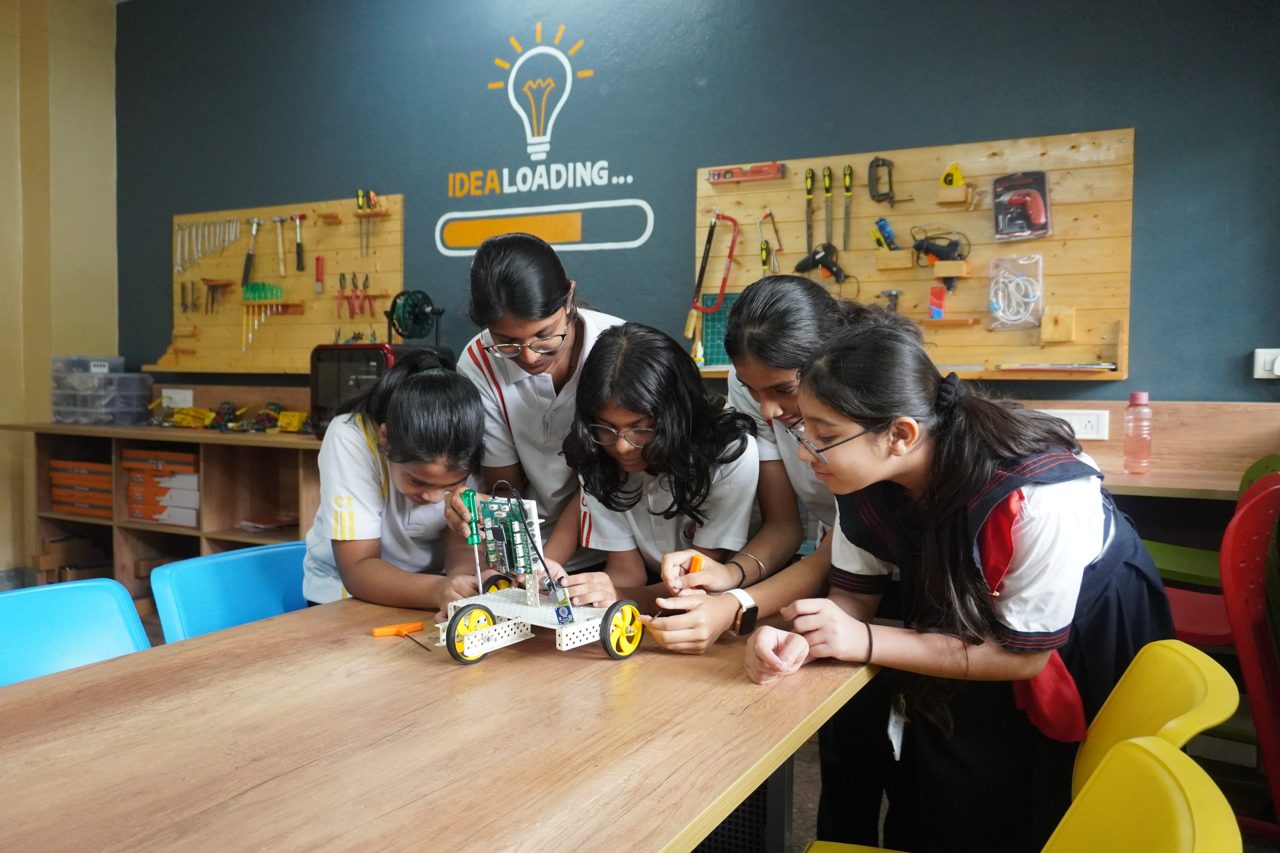
AI & Robotics Lab Equipment List for Schools 2026
An AI & robotics lab for a school needs four things: a set of grade-appropriate robotics kits and controllers, a bank of computers running coding and AI software, safe workbench space with tools and storage, and a teacher trained to run it. Everything else is detail. This is the complete, honestly-scoped equipment list for 2026 — what actually goes on the floor, how it maps to grades 3 to 12, and where schools overspend.
If you are building this to meet the CBSE Composite Skill Lab (CSL) mandate, read this alongside our Composite Skill Lab vs AI & Robotics Lab vs ATL comparison — the AI & robotics stations described here are the anchor sector inside a CSL.
Why the list matters now: the CBSE deadline
CBSE Circular Skill-75/2024 (27 August 2024) directs every affiliated school to establish a Composite Skill Lab — with all necessary equipment — within three years, i.e. by around 22 August 2027. Updated guidelines followed in Circular Skill-13/2026 (20 March 2026). New affiliations need the lab in place immediately; existing schools have until the 2027 window. AI and Robotics is one of the priority sectors inside that lab, which is why "AI & robotics lab equipment" is the search most principals start with. You can read the source circular on the CBSE Academic website.
The core equipment list (five groups)
A working lab is not a pile of kits. Think in five functional groups — every credible AI & robotics lab has all five, scaled to budget.
1. Robotics kits & controllers (the heart of the lab)
- Entry / block-coding kits for Grades 3–5: plug-and-play robot kits, motors, simple sensors
- Microcontroller boards: micro:bit, Arduino Uno, ESP32 / NodeMCU
- Sensor sets: ultrasonic, IR, temperature, light, sound, line-follow
- Actuators: DC/servo/stepper motors, motor drivers, buzzers, LEDs
- Prototyping: breadboards, jumper wires, resistors, batteries
- Advanced platforms for Grades 9–12: AI vision kits, IoT modules, optional drone kit
Kits and controllers are the single biggest line item — roughly half the hardware budget. Buy for a working ratio of one kit per 2–3 students, not one per child; the shared ratio is how labs stay affordable without starving a class of hands-on time. See our robotics kits range for grade-mapped options.
2. Computing & AI software
- Desktops or laptops: reuse the existing computer lab where possible
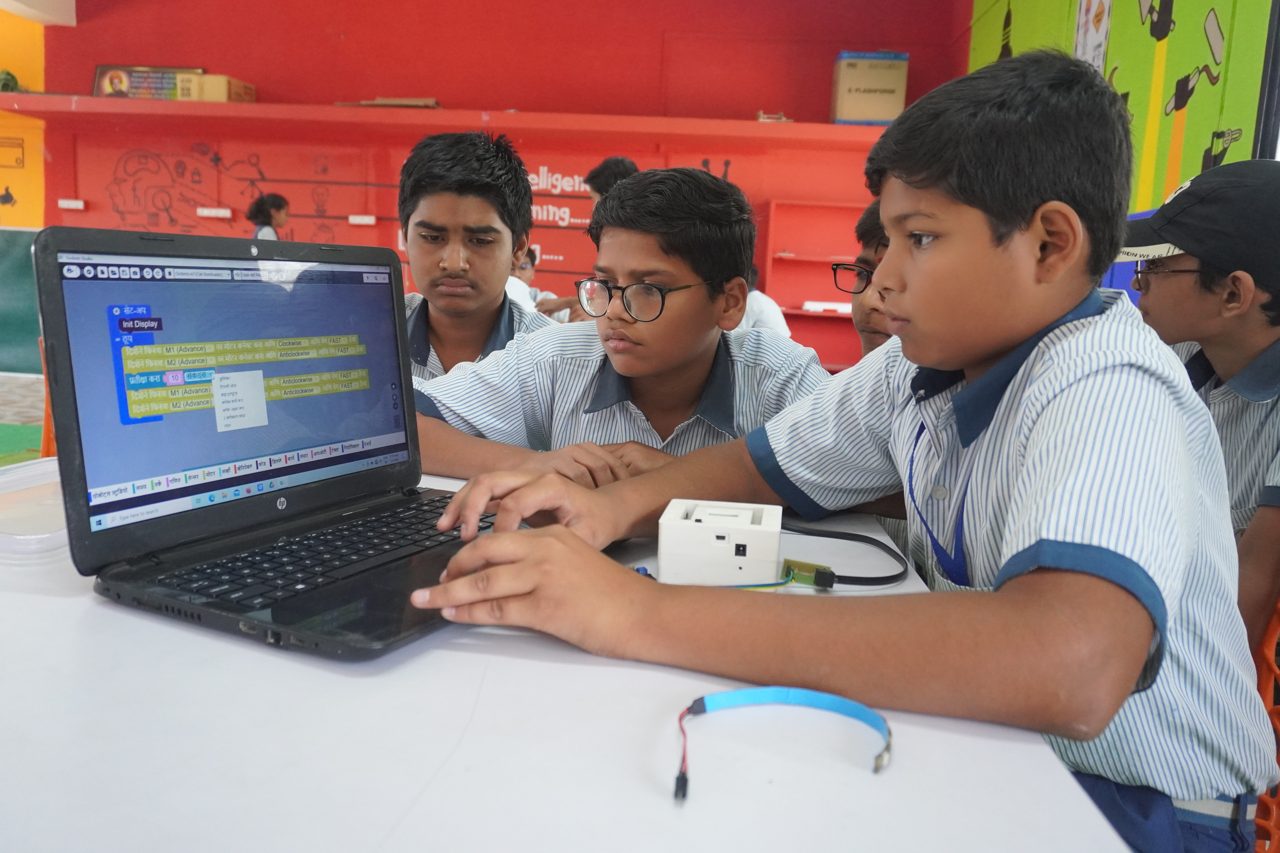
- Block + Python coding software: Scratch, PictoBlox, Thonny/Python
- AI/ML tools: image, speech and text model builders for classroom use
- A Learning Management System (LMS): lesson delivery, progress tracking
3. Fabrication & making
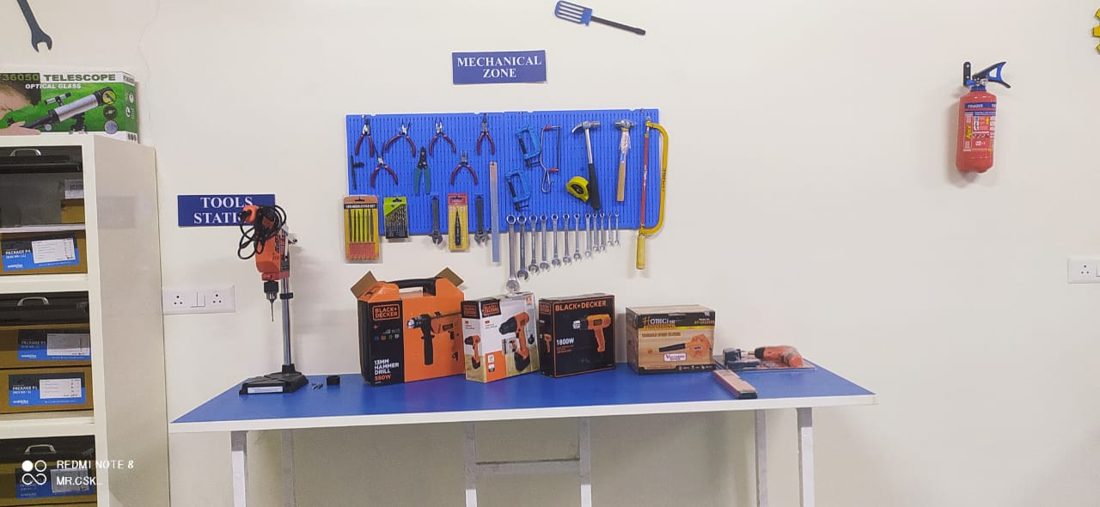
- 3D printer (one shared unit is enough to start) + filament
- Hand tools: screwdrivers, pliers, wire strippers, cutters
- Optional: soldering station, laser-cut/craft materials, AR/VR module
4. Room, furniture & safety
- Workbenches and stackable stools: flexible, group-friendly layout
- Labelled storage: bins/trays per kit — the #1 thing that keeps a lab alive in year 2
- Display: projector or interactive panel + whiteboard
- Safety: protective eyewear, first-aid, power cut-off, proper earthing
5. Power & infrastructure
- UPS / stabiliser for computers and the 3D printer
- Adequate power points and cable management
- Reliable Wi-Fi for IoT and AI tools
Match equipment to grades, not to the catalogue
The most common and expensive mistake is buying advanced kits a Grade 4 class will never use. Map the hardware to a grade progression aligned with NEP 2020 and CBSE's skill modules (AI runs as Code 417 in Grades 9–10 and Code 843 in 11–12).
Grades 3–5 (Foundation)
- Focus: visual/block coding, basic circuits, beginner robot builds
- Kit: plug-and-play robots, simple sensors
Grades 6–8 (Build)
- Focus: mechanisms, sensor logic, IoT basics, intro AI concepts
- Kit: micro:bit / Arduino with sensor sets
Grades 9–12 (Apply)
- Focus: Python, AI/ML demos, applied IoT, capstone projects, optional drones
- Kit: AI vision + IoT platforms, ESP32-based projects
What it costs (honest ranges)
Prices depend on kit ratio, grade span and how much of your existing computer lab you reuse — treat these as indicative, not quotes.*
- Starter lab, Grades 3–6: ₹1,00,000 – ₹2,00,000
- Standard robotics + IoT, Grades 3–10: ₹1,50,000 – ₹3,00,000
- Advanced future-ready, Grades 5–12: ₹2,00,000 – ₹4,00,000+
- Add a recurring annual budget for spares, batteries and refresh — skip this and the lab stalls in a term
*A full CBSE Composite Skill Lab that houses AI & robotics alongside other sectors costs more — see our Composite Skill Lab cost breakdown for the whole-lab picture.
The line item schools forget: teacher training
A lab without a confident teacher is expensive storage. In our own work training 650+ teachers on robotics, the pattern is consistent: the schools whose labs are still busy in year two are the ones that invested in sustained teacher training and a repeatable weekly delivery model, not just the biggest kit order. Four of six Grobots-supported teams from a single Nagpur school reached the national round — that came from teacher capability, not hardware. Budget for training and support from day one, and confirm your provider includes it.
Frequently asked questions
What equipment is mandatory in a CBSE AI & robotics lab?
CBSE does not publish a single fixed shopping list; it requires a Composite Skill Lab equipped for the sectors a school offers, with AI & Robotics as a priority sector. In practice that means robotics kits, microcontrollers and sensors, computers with coding/AI software, a 3D printer, tools, safe furniture and storage, and a display — scaled to the grades you teach.
How many robotics kits does a school actually need?
Plan for a shared ratio of one kit per 2–3 students per section, not one per student. Group work is pedagogically better for robotics and keeps the budget realistic.
Can we reuse our existing computer lab?
Yes — the AI and coding side usually runs on existing computers with the right software, which is one of the biggest ways to cut setup cost. You mainly add robotics hardware, a 3D printer and workbench space.
Which controllers are best for schools?
micro:bit for middle school (easiest to teach), Arduino Uno for general robotics, and ESP32/NodeMCU when you move into IoT and AI projects in senior grades.
Do we need a separate AI & robotics lab or a Composite Skill Lab?
Most CBSE schools should build one Composite Skill Lab that includes AI & robotics as its anchor sector, rather than a standalone room — it satisfies the mandate and costs less. Our CBSE lab guide explains the compliance path.
Build it once, build it right
An AI & robotics lab is not a one-time purchase — it is a room your teachers should still be using confidently three years from now. Get the equipment ratio, grade mapping and training right the first time and you avoid the year-two graveyard.
Planning your lab? Get a proposal from Grobots — we scope the equipment, curriculum and teacher training to your grades and budget. Prefer to talk? Message us on WhatsApp.

